


Smarter, faster clinical communication
We deliver clinical information to care teams when and where it matters most to improve patient outcomes.

Eliminate communication gaps across your health system
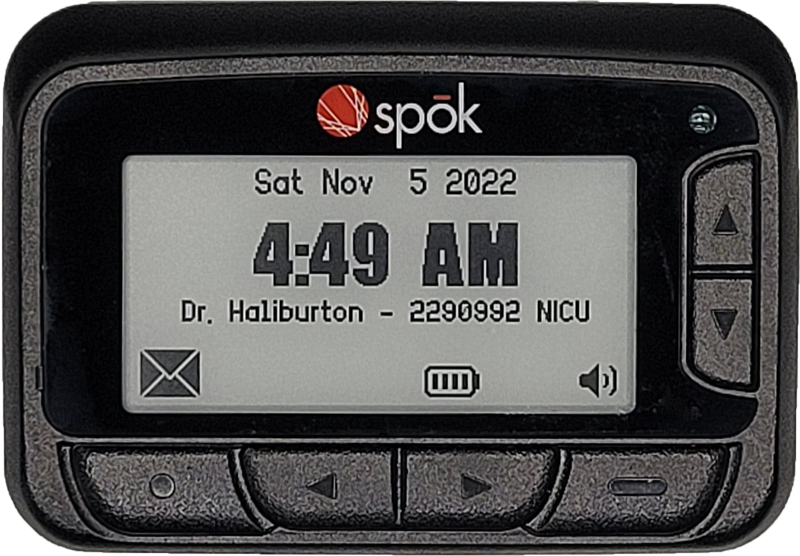
Everything you need for exceptional clinical care communication. Our secure platform automates clinical workflows for activities such as patient alerts, clinician consults, code calls, and test results. Increase clinician satisfaction and enable users to spend more time with patients.
We provide services to hospitals across the globe.
See why 2,200+ hospitals, including the best hospitals, trust Spok for communications
2,200+
Hospitals
More than 2,200 hospitals trust Spok for communication
100M+
Messages
Our customers send over 100 million messages each month through their Spok solutions
30+
Years
We’ve been passionate about improving patient care for more than three decades.
Customer success stories

Spok is easy to manage, economical, and flexible. In care delivery, you’re dealing with critical information. Spok helps us make sure we can send a meaningful message in the most effective way possible.

It’s certainly the case around VCU Medical Center that physicians of all ages and years of experience have moved over to using Spok as a means of secure communication. Because of Spok and our partnership, we are now able to get in touch with the provider who’s taking care of our patients. It gives us as clinicians more time to be with our patients.
Industry insights
View educational resources on key challenges in healthcare, including eBooks, webinars, case studies, and additional information to support your clinical communication strategy.

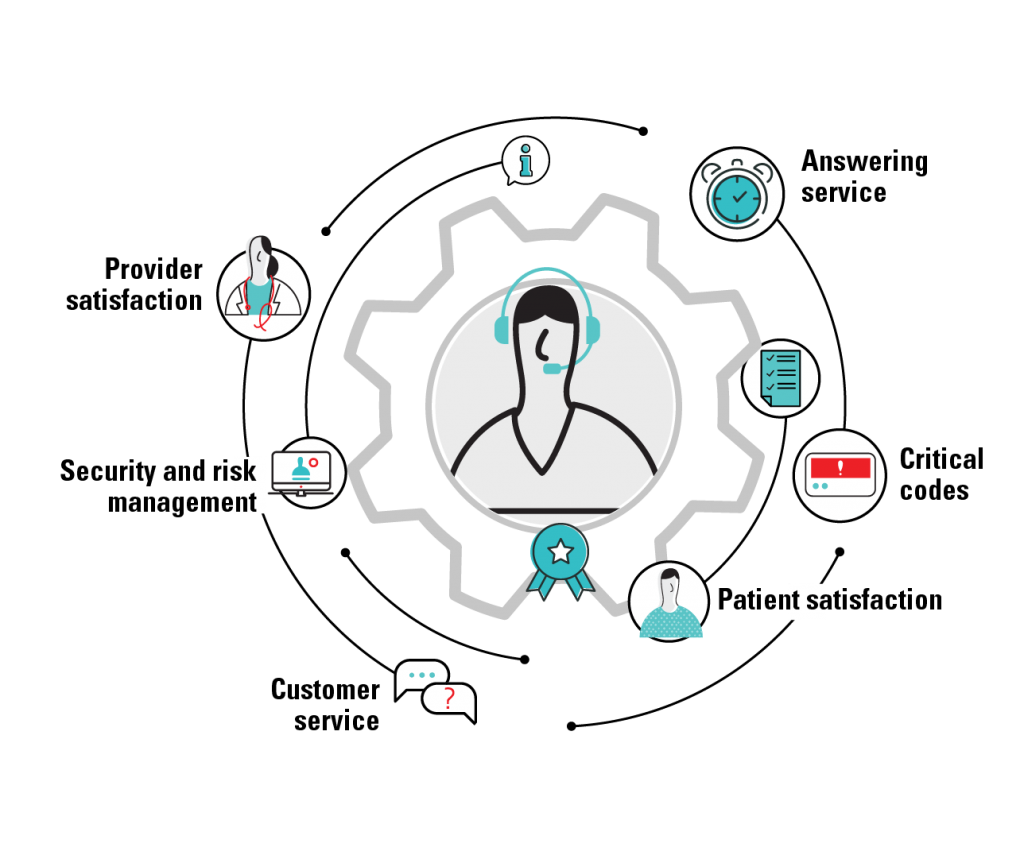
Download this eBook to learn about how contact center consolidation can benefit your healthcare organization.

Many health systems are consolidating their contact centers to streamline processes, save money, and deliver better customer service. Find out why unifying your infrastructure can be worth the effort.

Orlando Health transitioned from its previous private branch exchange (PBX) to the Spok Smart Console, a key system that improves how the organization’s contact center manages customer communications.